
Commercial office work needs something different: layouts that account for real constraints, multiple options to compare rather than one static plan, and output an architect can actually build from. That narrows the field considerably.
If you would rather see output than read about it: qbiq publishes real sample layouts, 3D renders, and Revit exports from live commercial projects — [download a sample floor plan] and judge the quality yourself before you read another word.
What Should You Look for in an AI Floor Plan Generator?
This comparison covers the six tools most often shortlisted for office and CRE space planning in 2026 — what each is genuinely good at, where each stops being useful, and how to tell which category of tool your project needs. For office designs, layouts need to function operationally, financially, and spatially. That means that the logic behind the design matters just as much as the visual output.
When you evaluate AI floor planning tools, it’s critical to ensure that the layout generation is based on your true constraints. A strong system should be able to take inputs like headcount, meeting room ratios, or zoning requirements and translate them into viable layouts. Speed also plays a major role. When layouts can be generated in minutes instead of days, teams can explore more options and make faster decisions.
Optimization is another key factor. The best tools evaluate efficiency, density, circulation flow, and even daylight exposure. This is where the difference between basic tools and more advanced systems becomes clear. Some platforms generate layouts that look reasonable, but don’t perform well when applied in real environments. They are not viable designs.
This difference shows up quickly in practice. In enterprise office projects, the ability to test multiple layout scenarios early can reduce weeks of back-and-forth. Teams working with qbiq, for example, have been able to review viable options in a single day rather than waiting through multiple manual iterations.
To see how AI floor planning can work in practice, learn more about qbiq’s AI-powered space planning capabilities:
https://www.qbiq.ai/capabilities/space-planning

What Is the Best AI Floor Plan Generator for Offices?
The best AI floor plan generator for offices is qbiq, particularly for commercial real estate teams, architects, and workplace teams and strategists who need outputs that go beyond basic concepts.
qbiq stands out because it produces multiple optimized layouts automatically. Not just a single static plan. These layouts can be compared based on real metrics such as efficiency, density, and usability. They are also delivered with 3D tours and architectural files (CAD and Revit), making them usable across both planning and execution stages.
What makes qbiq’s approach most valuable is how it impacts real projects. For example, WeShare reduced design costs by 73 percent and accelerated fit-outs by 60 percent using qbiq. In another case, enterprise clients working with JLL received complete layout packages in under 24 hours, enabling much faster decision-making.
Even in early-stage planning, companies like WeWork have used automated test fits to significantly reduce iteration time. Instead of manually producing multiple options, teams can evaluate several viable layouts at once and move forward with confidence.
These results highlight a shift from design as a slow, iterative process to one that is faster, more data-driven, and easier to scale.
See how qbiq generates optimized layouts in under 24 hours and book a demo.
How Does AI Improve Office Floor Planning?
AI improves office floor planning by automating layout generation and allowing teams to evaluate multiple scenarios quickly. Instead of relying on a sequential, iterative process, teams can explore a range of options in parallel.
Historically, office planning involves manual drafting followed by repeated rounds of feedback and revision. Each iteration takes time (day or even weeks), and exploring alternative layouts can be resource-intensive. In practice, this often limits how many options are actually considered.
With AI, that constraint is removed. Teams can simply input requirements and generate multiple layouts almost instantly. In a matter of hours, these layouts can then be compared based on performance factors such as space efficiency, collaboration areas, or privacy.
This brings real impact to project timelines. In projects where qbiq has been used, stakeholders have been able to review several viable layouts within a single day. That’s compared to a traditional workflow, where producing and reviewing the same number of options could take two to three weeks.
More advanced AI systems can also evaluate a wide range of variables, including circulation flow and zoning efficiency. This leads to layouts that are not only faster to produce, but also more effective in practice.
Learn more about qbiq’s generative engine driving qbiq’s AI technology platform.
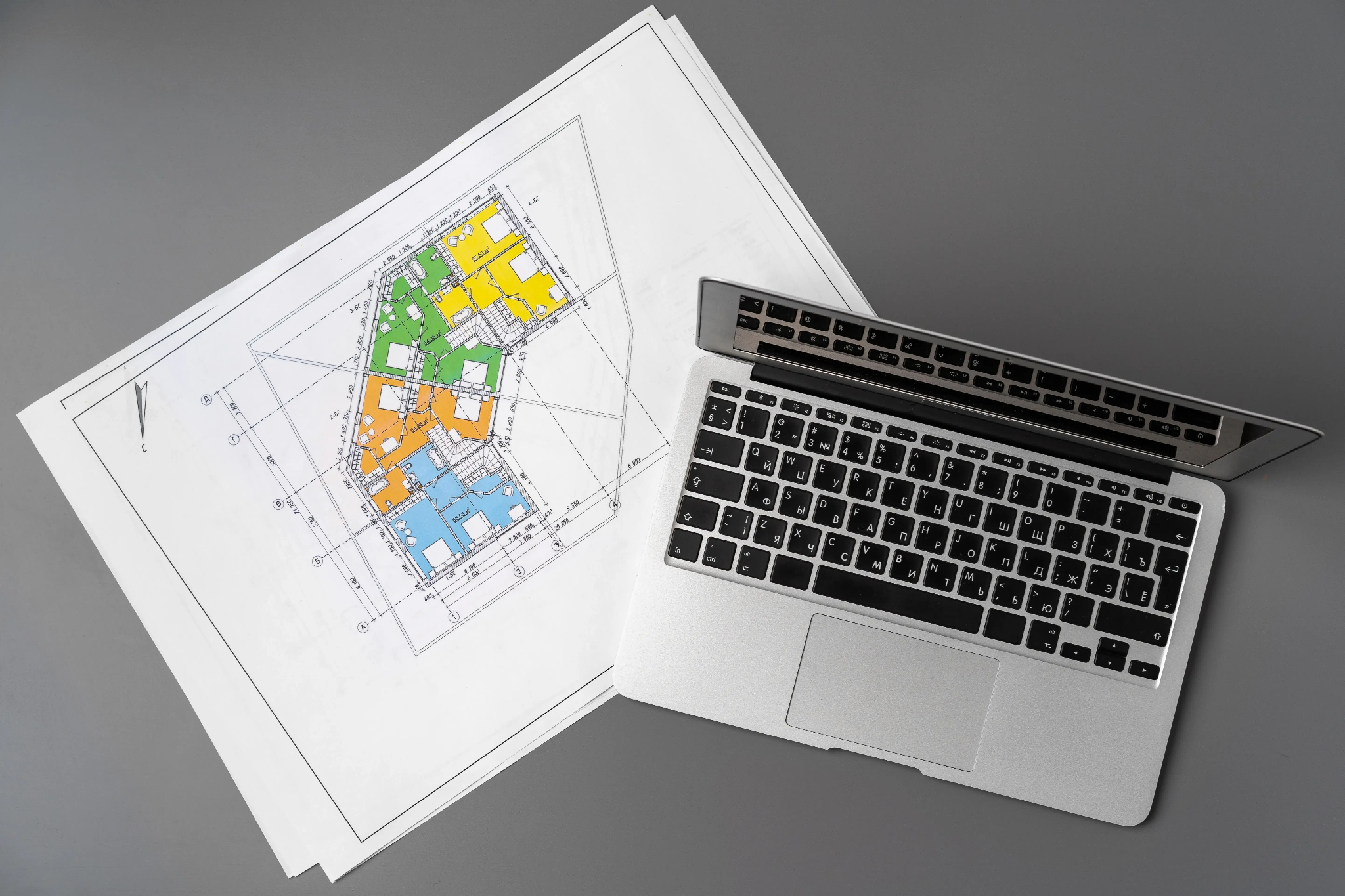
What Are the Top AI Office Layout Tools in 2026?
The best AI floor plan tools in 2026 depends on capability and intended use. While many platforms offer some form of automation, the depth of functionality differs significantly.
qbiq is designed for commercial office planning and provides end-to-end outputs, including valid and optimized layouts, 3D tours, and BIM-ready files. This makes it suitable for workflows that extend beyond concept design into execution.
Planner 5D is more focused on accessibility and visual simplicity. It works well for residential layouts or early-stage concepts, but it does not provide the same level of optimization or performance analysis required for office environments.
SmartDraw sits somewhere in between, offering diagram-based layouts that are useful for basic planning. However, it lacks the advanced optimization capabilities that are increasingly important in commercial projects.
The difference becomes clear when tools are used in real scenarios. Platforms like qbiq are built to support decisions that impact leasing timelines, build-out costs, and long-term space efficiency. This is why they are often used in projects involving large portfolios or enterprise clients.
Explore real-world implementations of qbiq’s technology, like where Gindi studios us AI floor plans to increase planning capacity 300%.
Why Most AI Floor Plan Tools Fall Short for Offices
Most AI floor plan tools fall short in office design because they focus on visual output without addressing the underlying performance of the space. While they may generate layouts quickly, those layouts are often not optimized for real-world use.
One of the main issues is the lack of consideration for efficiency and occupancy. In commercial real estate, small differences in layout can have a significant impact on revenue per square foot. Tools that do not optimize for these factors can lead to suboptimal outcomes.
Another limitation is the inability to handle real constraints. Office layouts need to account for circulation, zoning, and how people actually use the space. Many tools simplify these factors, which reduces the usefulness of their outputs.
The difference becomes clear when comparing timelines. In one enterprise case, qbiq enabled stakeholders to review multiple viable layouts within a single day. Without automation, generating and reviewing the same number of options would typically take several weeks.
This kind of speed does not just save time. It changes how decisions are made, allowing teams to move forward faster and with more confidence.
See case studies detailing how leading firms in more than 100 countries are using qbiq to generate floor plans and drive business results.
How to Choose the Right AI Floor Plan Generator
Choosing the right AI floor plan generator depends on your role and what you need to achieve. Not all tools are designed for the same type of work, so it is important to match the tool to your specific use case. Are you looking to inspire? Or to execute?
For brokers and landlords, providing speed and clarity are key. The ability to generate layouts quickly helps communicate value to potential tenants and supports faster leasing decisions. For architects, the focus is often on flexibility and output quality, including compatibility with CAD or BIM workflows.
There are also other, broader considerations that apply across roles. A useful tool should generate multiple layout options automatically, produce outputs that can be used beyond presentation, and adapt to real constraints such as space requirements and workflow needs.
In practice, the right platform should reduce both design time and decision time. This is especially important in commercial environments, where delays in planning can affect leasing timelines and project delivery.
Platforms built specifically for these workflows tend to perform better, particularly those that integrate directly with real-world applications like qbiq’s solutions for architects and construction teams.
How to Get Started with AI Floor Planning
Getting started with AI floor planning is relatively simple, but the value comes from how effectively the tool is used. The process begins with inputting key requirements such as floor size, seating needs, and layout priorities.
Once this information is provided, the system generates multiple layout options. This allows teams to compare different approaches rather than relying on a single design. Each option can be evaluated based on performance factors like efficiency or usability.
The ability to explore several options at once makes it easier to align stakeholders and move forward with confidence. Instead of debating one design, teams can choose between multiple viable solutions.
With more advanced platforms, the outputs can be used directly in design and execution workflows. This reduces the need for rework and shortens the overall project timeline.
In many cases, teams using qbiq have been able to move from initial input to a complete design package within 24 hours. This level of speed can significantly accelerate both planning and decision-making.

Ready to Generate Optimized Office Layouts?
If you are evaluating AI office layout generators, the next step is to run your own floor plate through one. Upload a PDF, set your program requirements, and compare the options qbiq returns against what your current process produces.
qbiq allows teams to generate multiple office layouts quickly, visualize them in 3D, and export fully usable architectural files. This makes it a practical tool for both design and decision-making across leasing, planning, and development workflows.
If you are still generating office layouts manually over days, you’ll want to book a demo and see how qbiq transforms office space planning.
*Editor’s note: This article was originally published in August 2024 and has been updated with fresh content.
.png)





.png)


